Over the years, I’ve seen a recurring challenge in creative projects: a mismatch between a designer’s skill set and an organization’s actual needs. It often starts with a simple “yes” during the interview and ends with project delays when the work requires tools or techniques outside the designer’s wheelhouse.
To help ensure you choose the right designer from the beginning, it’s helpful to look beyond the portfolio.
Technical standards
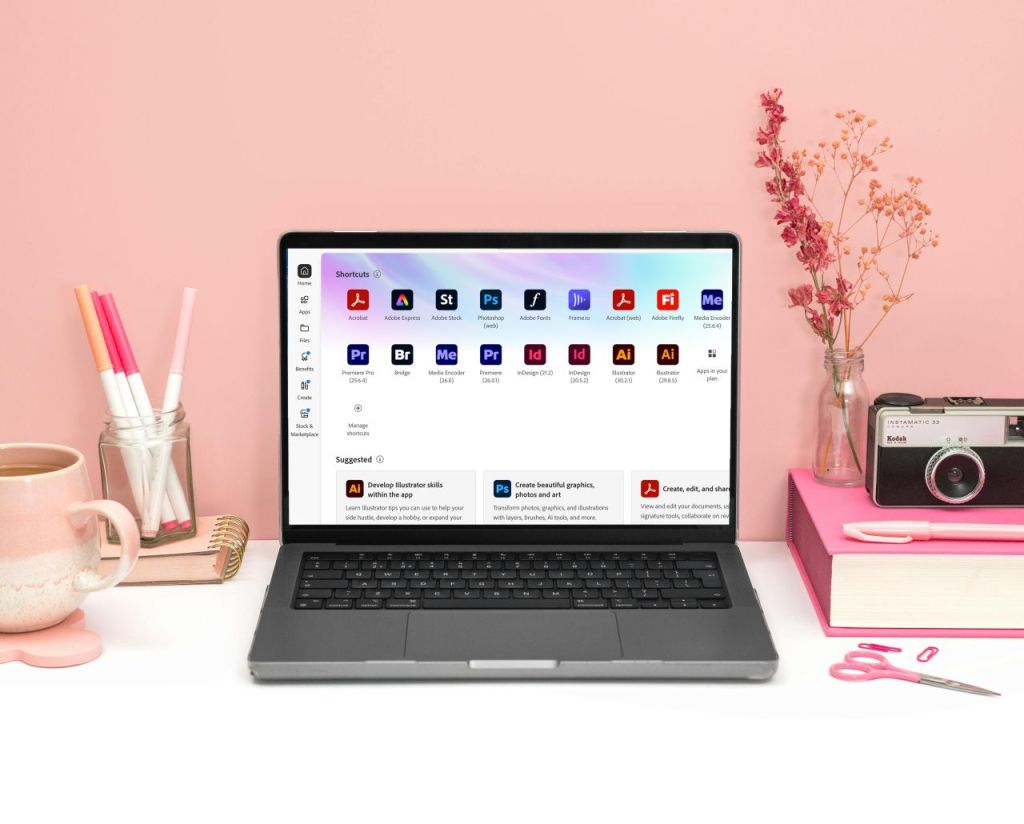
“Knowing Adobe” can mean many things. Designers often specialize, so it’s useful to understand these three core Adobe Creative Suite applications and what they’re best suited for:
- Adobe InDesign: Ideal for print newsletters, multi-page brochures and complex layouts.
- Adobe Illustrator: Built for vector design, making it the strongest choice for logos and graphics that need to scale.
- Adobe Photoshop: Essential for preparing images, from resolution to color correction, for digital or print use.
While a designer can create a publication in Photoshop or a logo in InDesign, matching the tool to the task leads to cleaner files, sharper visuals and a smoother workflow. And depending on the project, you may only need a specialist – an illustrator, a photo editor or a layout and design expert.
A helpful way to vet a designer is to ask, “Which program will you use for this deliverable, and why?” Clear, confident answers often signal that the designer understands the technical path to the finish line.
Print versus digital needs
Tools like Canva are great for simple social graphics or templates that internal teams can update easily. For some projects, that’s exactly what’s needed. But when a project involves commercial printing – bleeds, CMYK color profiles and high-resolution exports – professional design software typically offers more control.

